Laptop combination cable locks
Review the CH-902 laptop combination-lock reference and specify the lock-head variant needed for your purchasing brief. Compatibility depends on the actual device and locking point.
No matching models. Try another model name or family.
Identify the device interface first
Laptop security slots vary. Identify the intended equipment and its exact security interface before ordering. A cable-lock product name does not establish universal compatibility with every laptop, monitor or docking station.
Do not mix keyed and combination variants
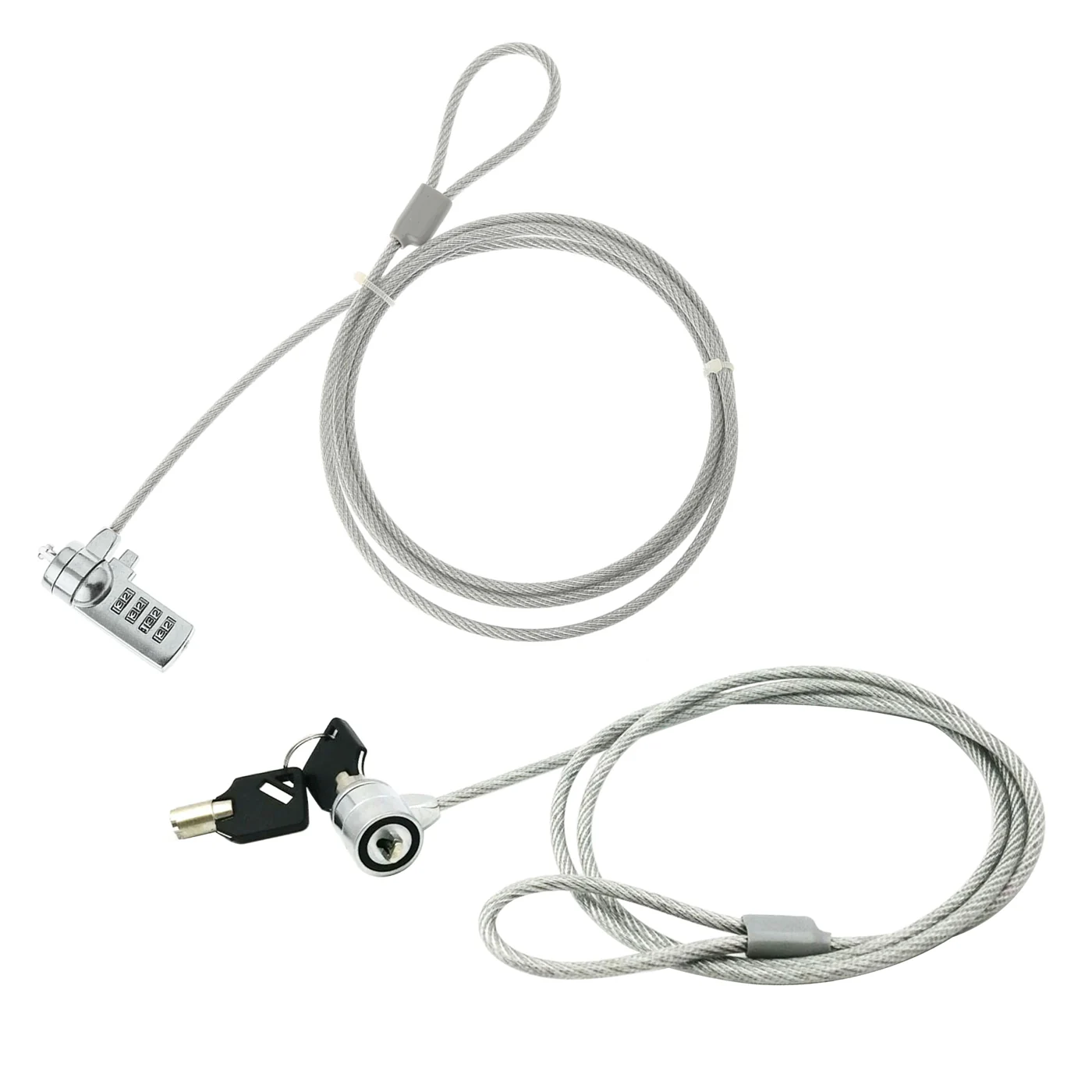
The comparison image includes both a combination head and a keyed head. This catalog’s CH-902 inquiry focus is the combination variant. Confirm the individual model and variant on the quotation; a comparison photograph does not mean both are supplied together.
Evaluate routing and clearance
Use your equipment and intended anchor point to evaluate the cable route, head clearance and access to adjacent ports. Treat this as a sample-fit check. Do not infer a supplied cable length, lock standard or security rating from the photograph alone.
Prepare one complete inquiry
Include the model reference, quantity, destination market, preferred colors and packaging or artwork requirements. Keep any mandatory product documentation or evaluation criteria in the same brief.
Browse the full product directory or send your model-specific inquiry.
Have a product in mind?
Send a model reference, quantity and destination market for your inquiry.